
Introduction
Buy and manage domain names directly with LBC.
LBC lets you buy domain names and manage them without a separate registrar, so you can give your application a custom address. Every domain includes DNS records, email forwarding, and transfers, all in one place.
LBC domains support basic redirection and email forwarding. For real mailboxes (sending and receiving) or advanced DNS, use a dedicated email or DNS provider.
Buying a Domain
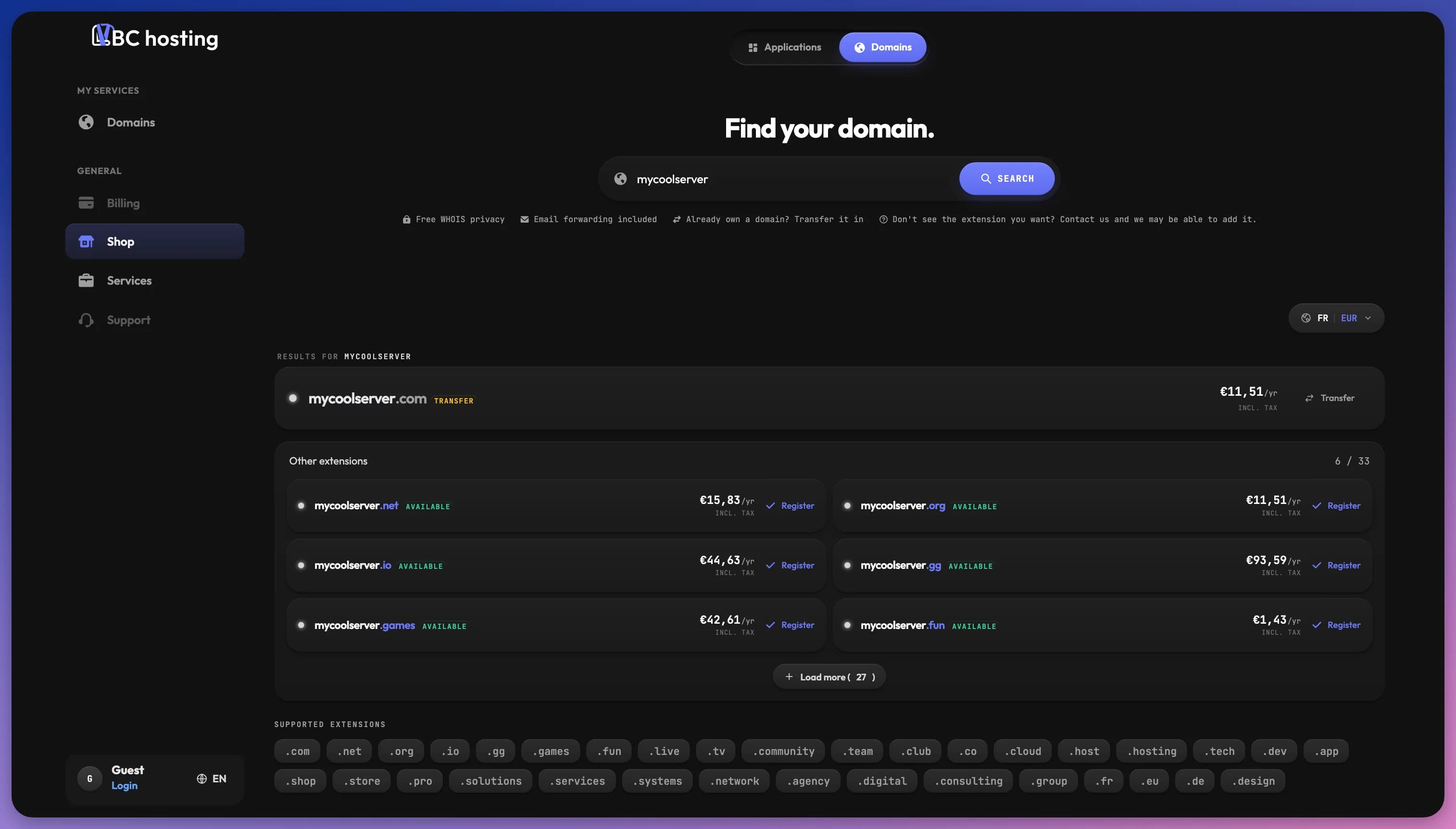
Domains are one of the three categories in the store shop, alongside Server and Application. Open the shop, choose the Domains category, and buy the domain you want. It's then added to your account and appears on the Domains page.
Your Domains
The Domains page lists every domain on your account with its status, expiry date, and an auto-renew toggle. From here you can import a domain you own elsewhere with Transfer In, or open Manage to configure a domain.
Auto-renew is enabled by default, so your domains renew automatically before they expire. You can turn it off per domain, but then you need to renew it yourself to avoid losing it.
Managing a Domain
Opening Manage shows the domain's registration and expiry dates along with three tabs, each covered on its own page:
- DNS Records to point your domain where you want.
- Email Forwarding to route mail to an inbox you already check.
- Transfers to import a domain or move one out.